

Summary
Contact Support lets you create a request inside DoglyTdc. The form accepts a subject, message, and optional attachments. Creation confirmation does not promise a fixed response time.Who it is for
- Users reporting a problem.
- People with questions not answered in the documentation.
- Account holders sending evidence of a failure.
How to open
1
Sign in
Sending requires authentication.
2
Open the Help Center
Choose the contact support option.
3
Prepare the request
Gather a subject, description, and relevant files.
Screens and features
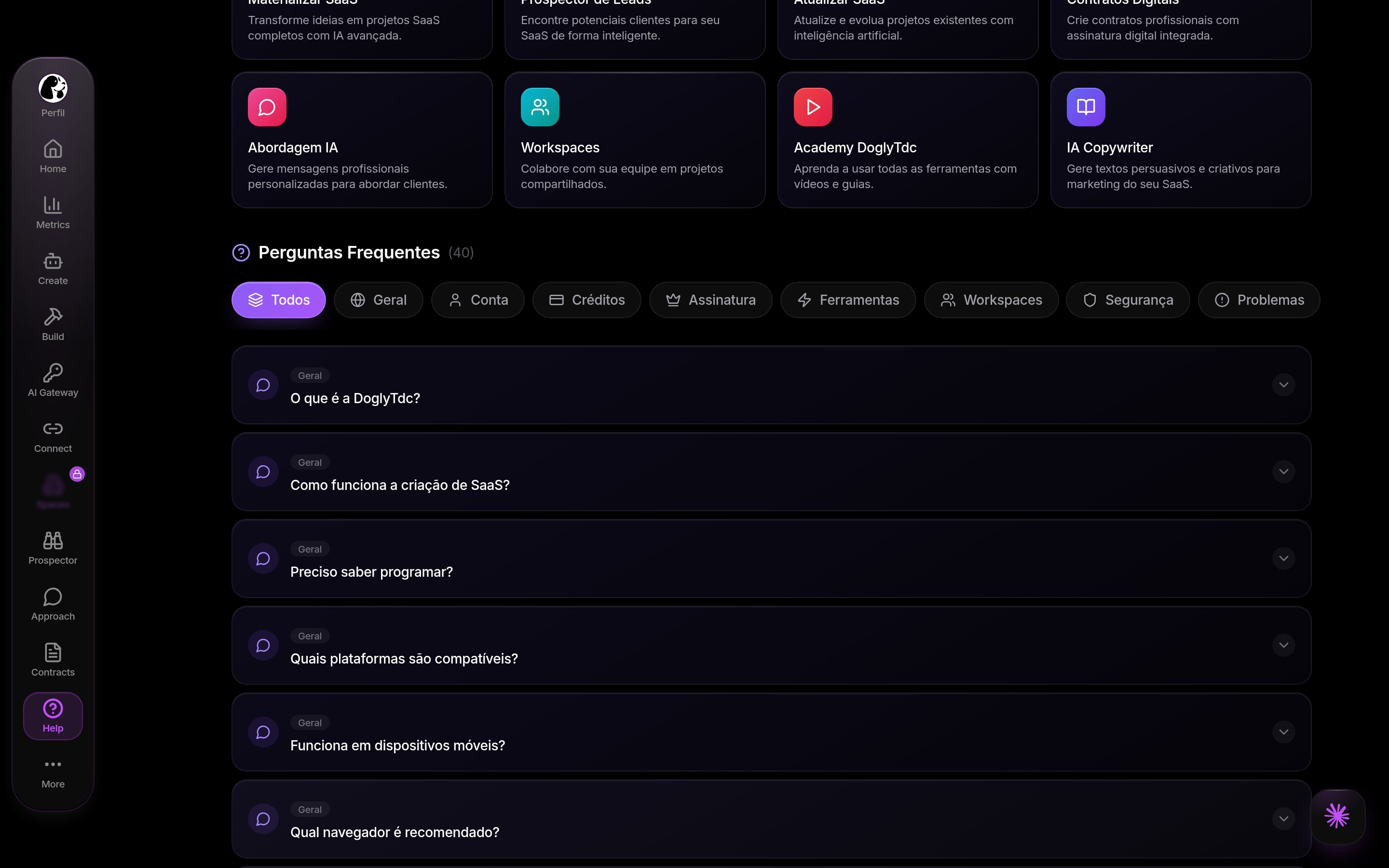
Support in DoglyTdc
Form
Subject and message are required. Describe what you tried to do and what happened. Include the product area where the issue occurred. Do not send passwords, PINs, or confirmation codes.Attachments
The form accepts up to 6 files. Each file may be up to 25 MB. The picker accepts images, videos, PDFs, and text files. Remove sensitive information before attaching evidence.1
Fill in the fields
Write a short subject and a reproducible description.
2
Add evidence
Choose up to six files within the per-file limit.
3
Review and send
Check the content and submit your request.
4
Check confirmation
Wait for the ticket creation message.
Content review
Requests go through content checking. A request may need revision before it can be accepted. Keep the message clear and relevant to the assistance you need. Follow the displayed guidance if submission is blocked.Submission result
Confirmation indicates that the ticket was created. Attachment failures may be reported separately. Do not assume every file arrived simply because the ticket was created. Review any file upload failure notices.Reply notifications
Push preferences include Support replies. Enabling that category does not replace browser notification permission. See Notifications to configure delivery.Limits
- Up to 6 attachments per request.
- Up to 25 MB per file.
- Subject and message must be filled in.
- This flow does not specify a guaranteed response time.
Permissions
You must be signed in to send a message. Use your own account when reporting an access or profile issue. Do not include anyone else’s credentials.Common errors
Original interface messages are retained below.Frequently asked questions
Are attachments required?
Are attachments required?
No. Attachments are optional.
Can I send seven files?
Can I send seven files?
No. The form keeps up to six attachments.
Does ticket creation guarantee every attachment arrived?
Does ticket creation guarantee every attachment arrived?
No. Individual file uploads may fail separately.
Is there a fixed response deadline?
Is there a fixed response deadline?
This flow does not establish a guaranteed response time.