

For now, only the DoglyTdc team can create scripts.
Manual
Under Criar › Manual (Create › Manual), follow these steps:1
Identity
Name, description, and logo (optional).
2
Category
Bookmark/Console, Tampermonkey, Extension, Terminal, App, or Discord Bot.
3
Compatibility
Platforms where the script works.
4
Style
Script panel theme.
5
Access
Free, Paid, or Private.
6
Protection
How the code is delivered.
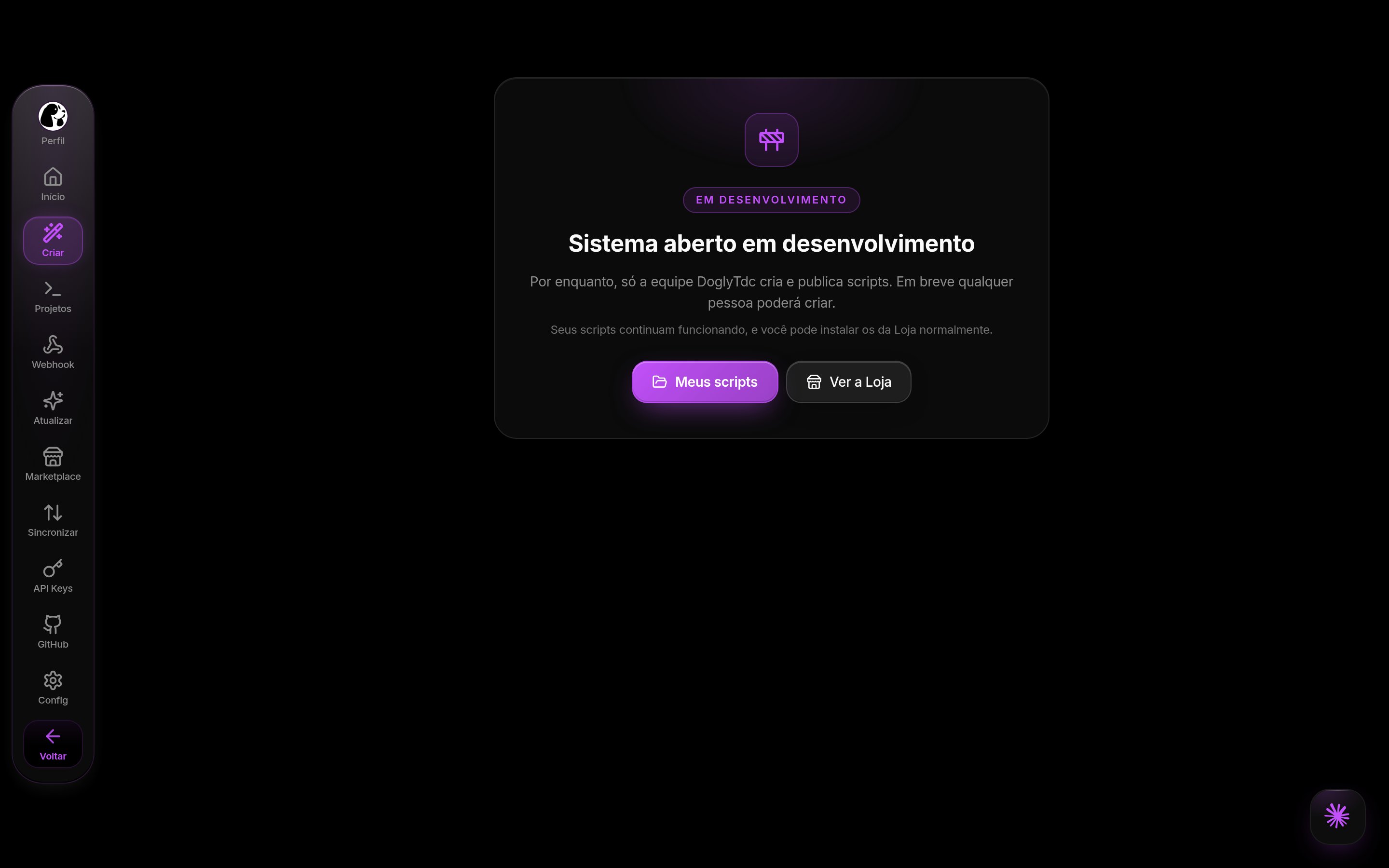
Creating a script (currently team only)
MCP connection
Under Criar › Conexão MCP (Create › MCP Connection), generate a key (dsm_…, shown only once) or use Install with one command, and connect your AI to this address:
Authorization: Bearer <sua chave> header. The AI can create the script, read and write files, search the code, work with branches, and publish releases.