

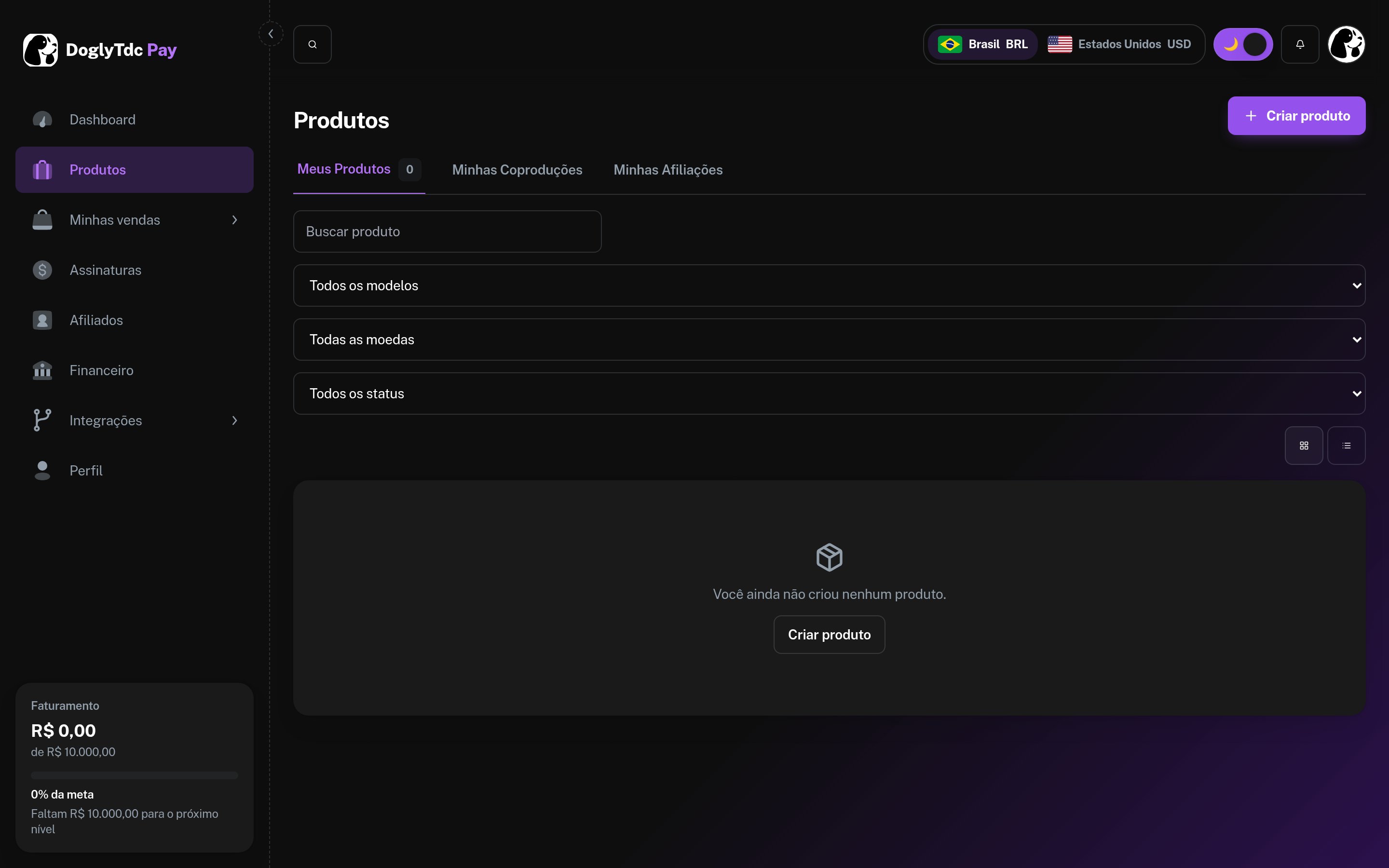
Products in DoglyTdc Pay
How it works
Every active DoglyTdc Pay product already has a hosted checkout with PIX and Balance. You do not need to create a separate checkout.1
Create the product
In DoglyTdc Pay › Products › New product: name, price, currency (BRL or USD), and type (one-time or subscription).
2
Get the ID
Use List Products to find the
id.3
Request the link
Call Create Payment Link with the
product_id.4
Approve
The API responds with
202 approval_required. Approve in Integrations › MCP; the link becomes ready in Pay.Coupons and affiliates are applied directly in the checkout, along with PIX.